



Lesson
Navigating Through Major Features of Rhino 3D
Completion requirements
View
Go through the activity to the end
Receive a grade
Receive a passing grade
By the end of this session, students should be able to:
- identify the major features of Rhino 3D.
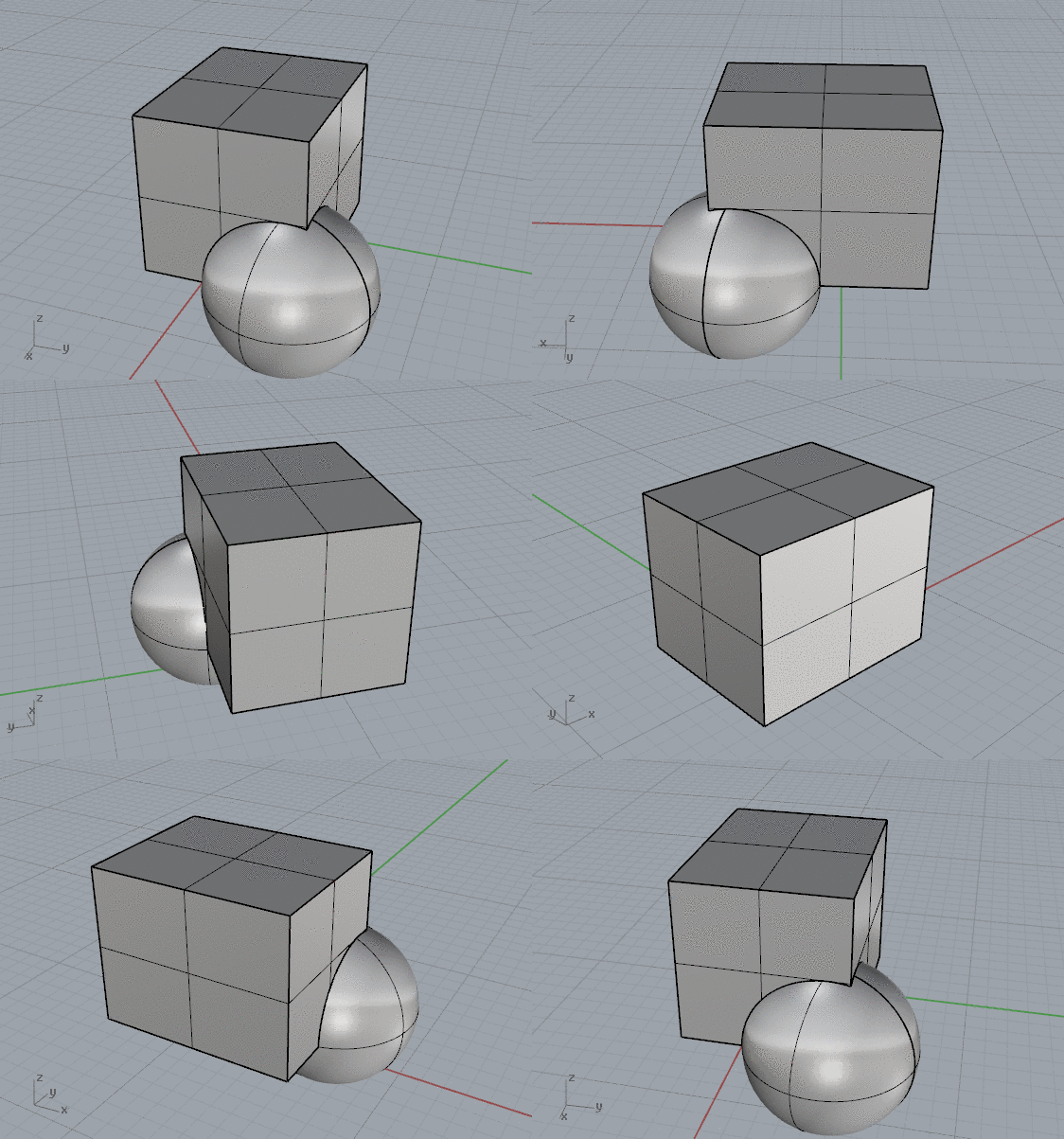
- navigate around the scene and use different ways of displaying your model.
- identify different geometry types in Rhino, each is better suited for different design goals.
- select and filter objects is essential for effective modeling.
Let's Roll!
You already open the software for the first time. But what are all of these buttons and how to even get started?