


TOPIC 5 - Masking and Layer Editing
Section outline
-
Layer Masking
Utilize layer masks to selectively hide or reveal parts of your image, allowing for nondestructive, fine-tuned adjustments and compositing.
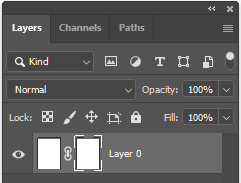

Blending Modes
Explore the powerful world of blending modes, which allow you to combine and blend layers in unique and creative ways, unlocking a wide range of visual effects.
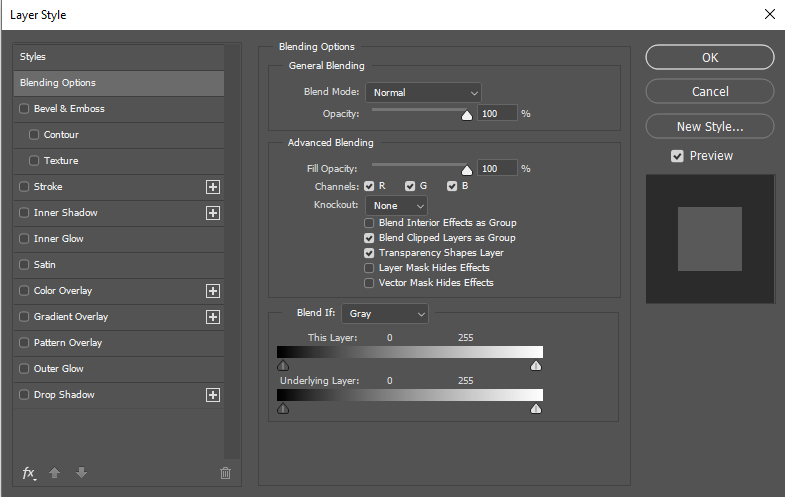
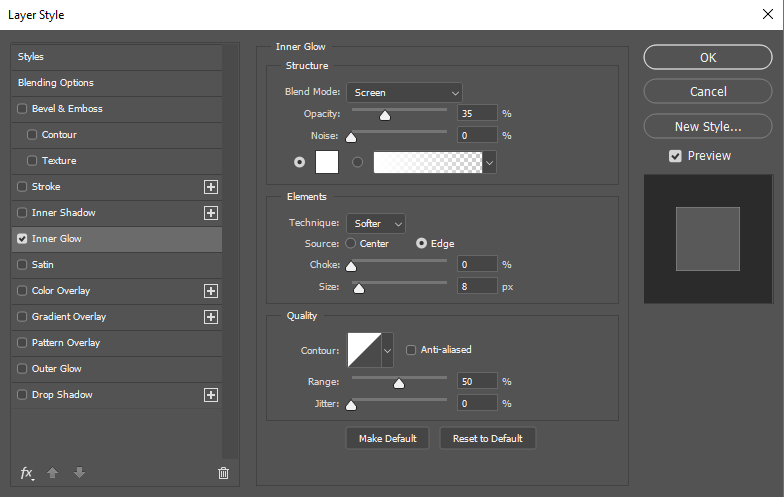
Layer Styles and Effects
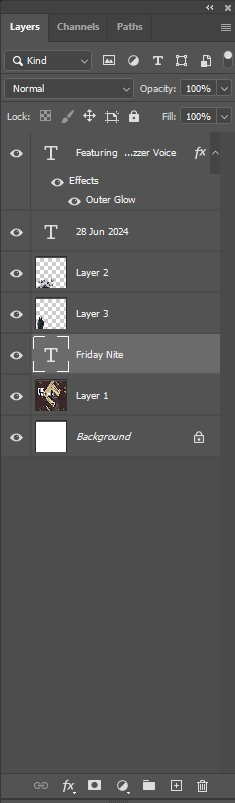
Apply layer styles, such as drop shadows, glows, and bevel effects, to add depth, dimension, and unique visual treatments to your images.
Adjustment Layers
Harness the flexibility of adjustment layers to make global or targeted changes to your image without altering the underlying layers.
-