



BASIC CREATIVE IMAGING
Section outline
-
-
-
Students mustMark as done
Basic Creative Imaging
Unlock the power of creative imaging and elevate your visual storytelling. In this comprehensive course, you'll explore the fundamental principles and techniques of image editing, empowering you to transform ordinary photographs into captivating works of art. From understanding file formats and resolution to mastering essential tools, you'll embark on a journey that will expand your creative horizons and equip you with the skills to bring your artistic vision to life.
-
-
Navigating the Interface
Familiarize yourself with the intuitive layout and tools of leading image editing software. Discover how to efficiently navigate the workspace, access key features, and customize the interface to suit your workflow.
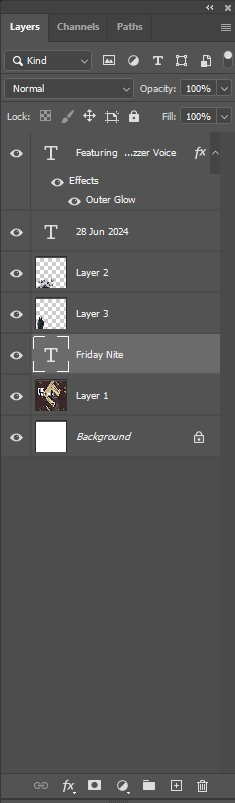
Understanding Layers
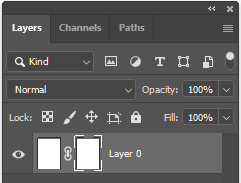
Layers are the foundation of image editing, allowing you to work on different elements of your image independently. Learn how to create, manage, and manipulate layers to achieve your desired effects.
Nondestructive Editing
Explore the power of nondestructive editing techniques, which enable you to make changes without permanently altering the original image. Adopt a flexible approach that preserves your creative options.
-
-
1 . File Formats
Understand the strengths and weaknesses of common image file formats, such as JPEG, PNG, and TIFF. Learn when to use each format based on your specific needs, whether it's for web, print, or digital art.
2. Resolution and Scaling
Discover the importance of image resolution and how it affects the quality and size of your photos. Learn to resize and scale your images without sacrificing clarity and detail.
3. Color Depth and Bit Depth
Explore the concept of color depth and bit depth, and how they impact the range of colors and tones in your images. Understand the implications for various creative and professional applications.
4. Metadata and EXIF Data
Leverage the power of image metadata, including EXIF data, to gain valuable insights about your photos and streamline your workflow.
-
-

Essential Image Editing ToolsPrecisely isolate and manipulate specific areas of your image using powerful selection tools, such as the Lasso, Marquee, and Magic Wand.

Adjustment Layers
Leverage adjustment layers to make nondestructive edits to brightness, contrast, color, and more, without permanently altering your original image.

Painting and Retouching
Unleash your creativity with versatile brushes, cloning tools, and healing functions to retouch, paint, and refine your images with precision.

Transformation Tools
Resize, rotate, skew, and distort your images with ease, allowing you to achieve unique perspectives and compositions.

-
-
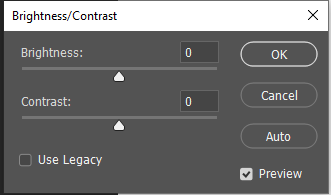
Brightness
Enhance the overall lightness or darkness of your image, bringing out details and creating a more balanced exposure.
Contrast
Adjust the difference between the lightest and darkest areas of your image, adding depth and drama to your visual composition.
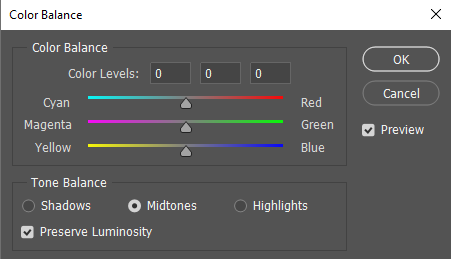
Color
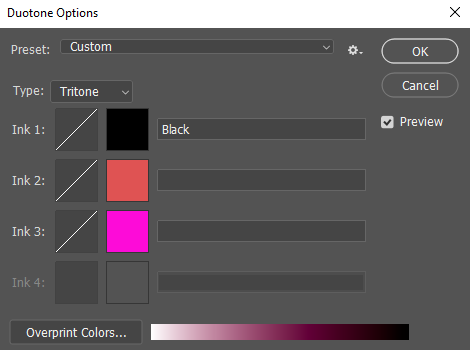
Explore advanced color correction techniques, such as adjusting hue, saturation, and vibrancy, to achieve your desired mood and atmosphere.
-
-
Layer Masking
Utilize layer masks to selectively hide or reveal parts of your image, allowing for nondestructive, fine-tuned adjustments and compositing.

Blending Modes
Explore the powerful world of blending modes, which allow you to combine and blend layers in unique and creative ways, unlocking a wide range of visual effects.
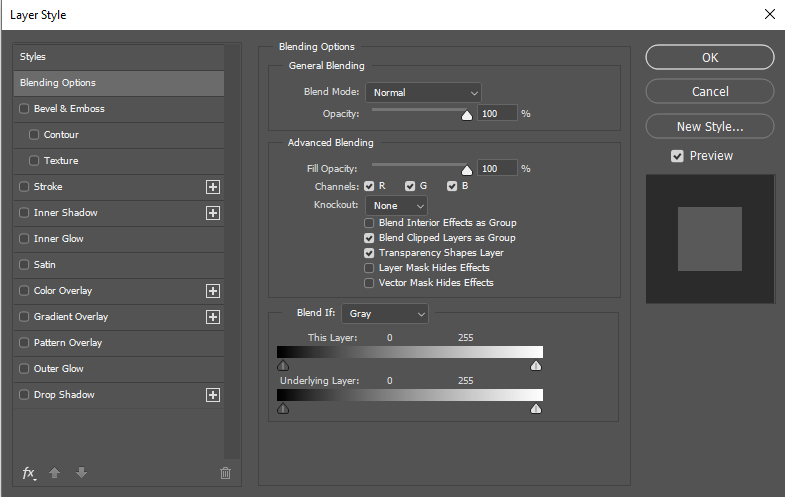
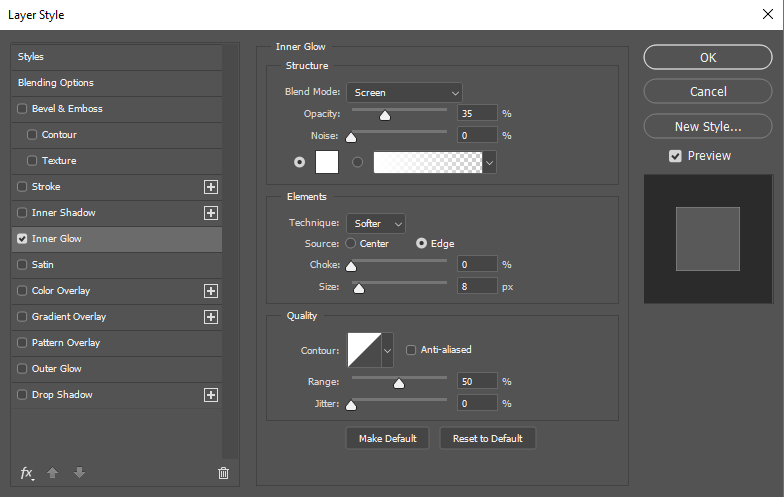
Layer Styles and Effects
Apply layer styles, such as drop shadows, glows, and bevel effects, to add depth, dimension, and unique visual treatments to your images.
Adjustment Layers
Harness the flexibility of adjustment layers to make global or targeted changes to your image without altering the underlying layers.
-
-
Applying Creative Effects and Filters
Color Grading
Transform the mood and atmosphere of your images through strategic color grading techniques, using adjustment layers, color filters, and custom LUTs (Look-Up Tables).
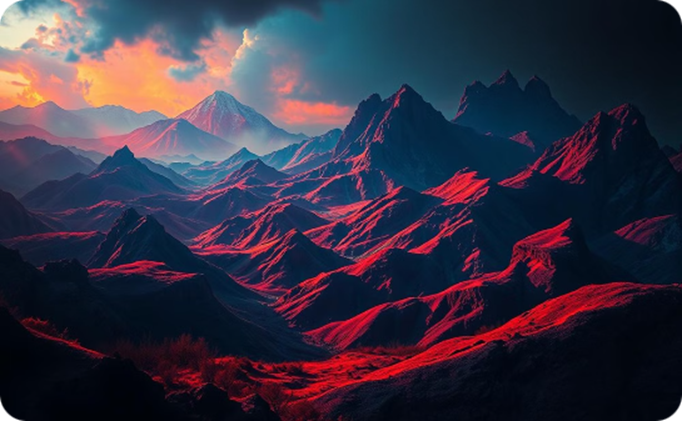
Texture and Overlays
Enhance your images with the addition of creative textures, overlays, and blending effects, adding depth, character, and a unique, artistic touch
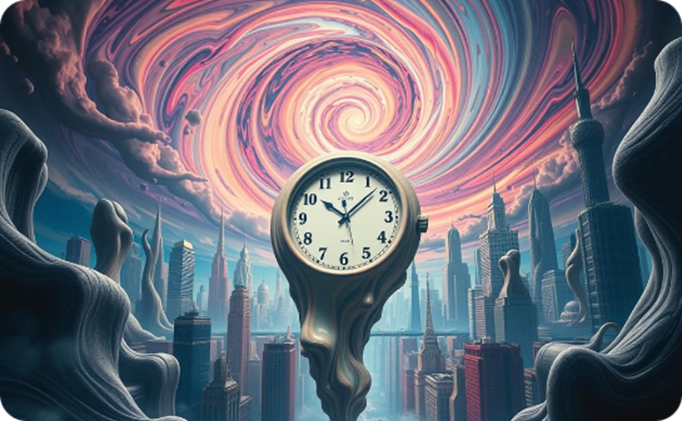
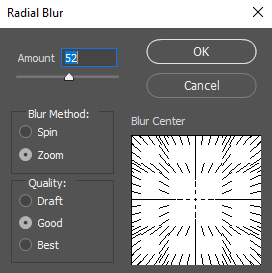
Distortion and Warping
Experiment with powerful distortion and warping tools to create surreal, dreamlike, and abstract visuals, pushing the boundaries of your creative expression.
-
-
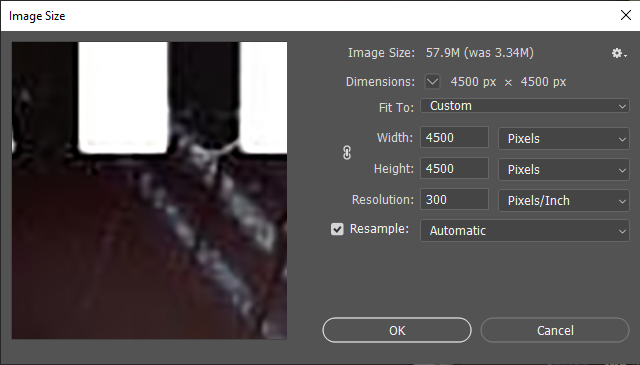
Resolution and Sizing
Ensure your images are optimized for their intended output, whether it's high-resolution print or web-friendly digital display.
File Formats
Choose the appropriate file format based on the specific requirements of your project, such as JPEG for the web or TIFF for print.
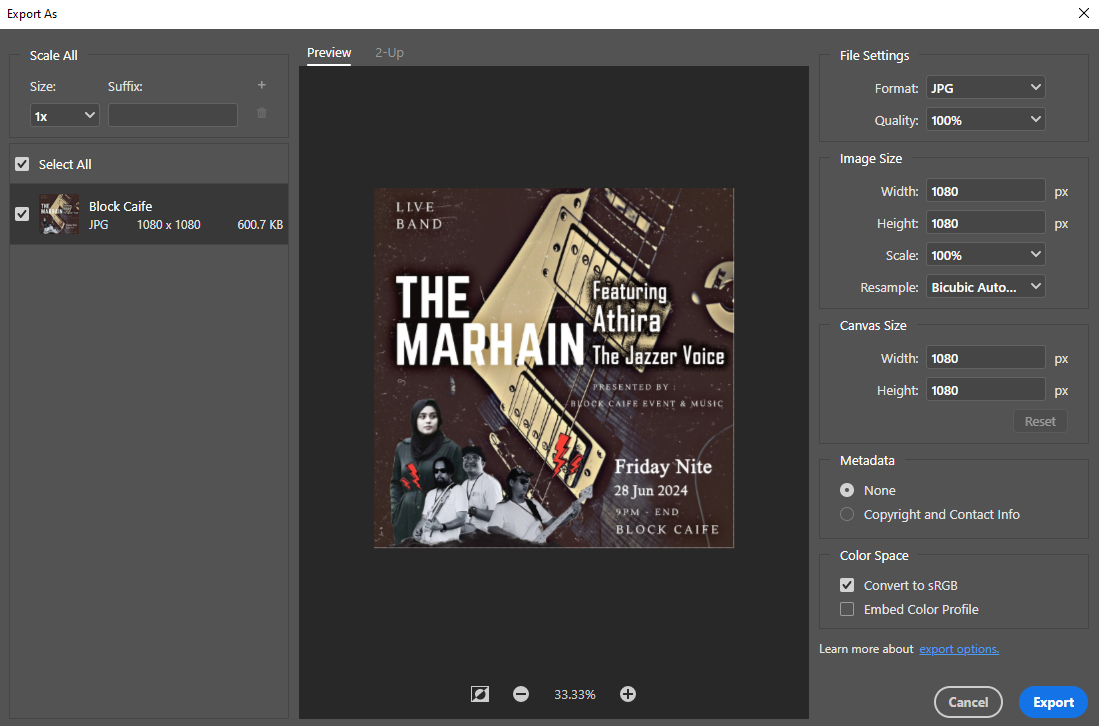
Color Space
Manage color spaces and profiles to maintain color accuracy and consistency across different platforms and devices.
-
Best Practices and Workflow Tips
Nondestructive Editing
Maintain the integrity of your original images by adopting a nondestructive workflow, which allows for greater flexibility and reversibility.
Efficient Organization
Develop a structured file management system and naming conventions to keep your project files organized and easy to navigate.
Keyboard Shortcuts
Master common keyboard shortcuts to streamline your editing process and boost your productivity.
Backup and Archiving
Implement a reliable backup and archiving system to safeguard your valuable image files and creative work.
-
-
Thank you for taking this CREATIVE IMAGINE journey with us! Throughout this course, we've explored various aspects of photoshop techniques, from understanding tools to image manipulation techniques. Now, let's take a moment to reflect on what we've covered and the knowledge you've gained.
Throughout this course, we've provided you with tips, tricks, and recommendations to improve your photoshop skills. We encouraged you to practice regularly, experiment, and learn from your mistakes. Remember, photoshop is an art form that requires patience, creative and dedication.
Thank you once again for joining me in this exploration of photoshop. Hope you've enjoyed this course as much as I have enjoyed creating it. -